
Last updated August 2025
Tags Management System:
Only Platform Administrators can create, update and delete tags. The tag architecture system where platform admins can create, edit and delete tags is in the admin Panel in the Tags tab
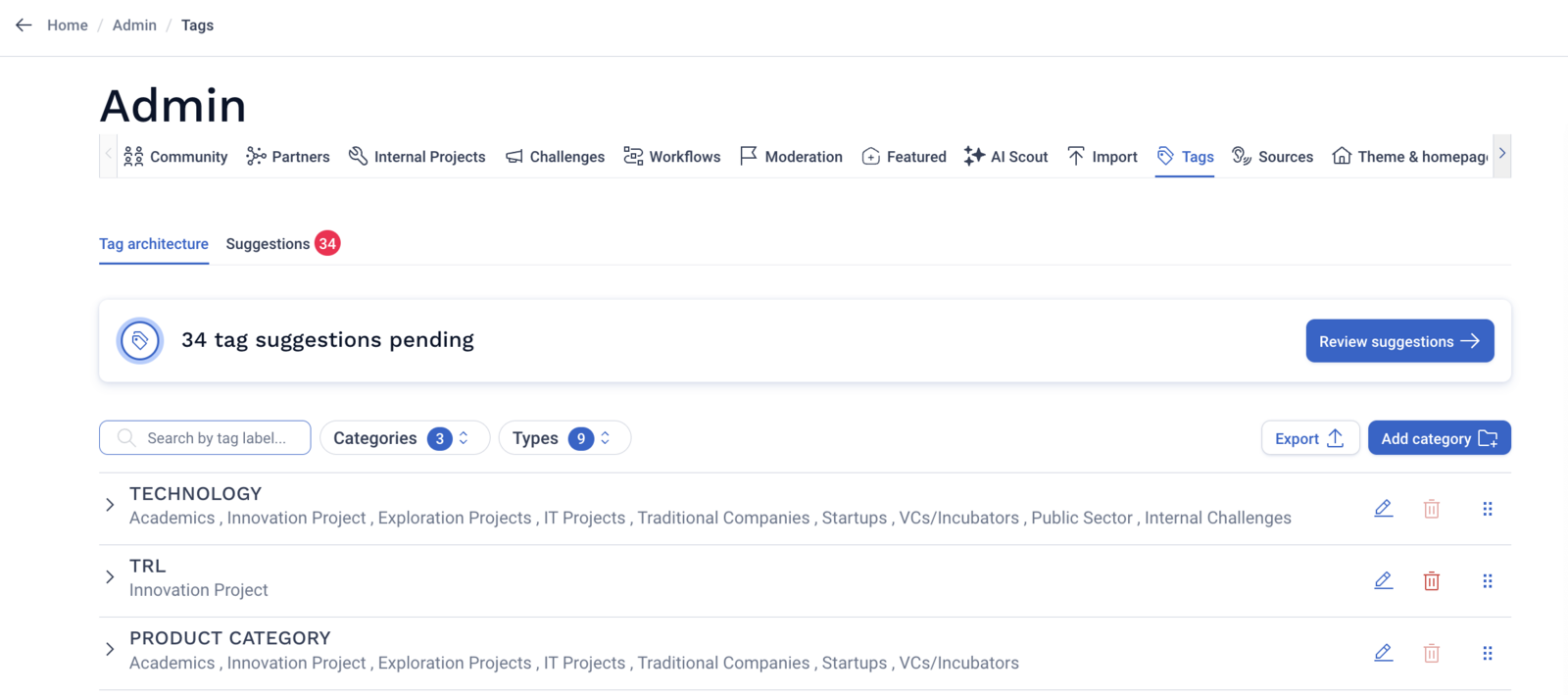
Creating tag categories
When adding a tag category to your tag architecture, two actions are required:
- Naming the category
- Selecting the typology to which to add the tags
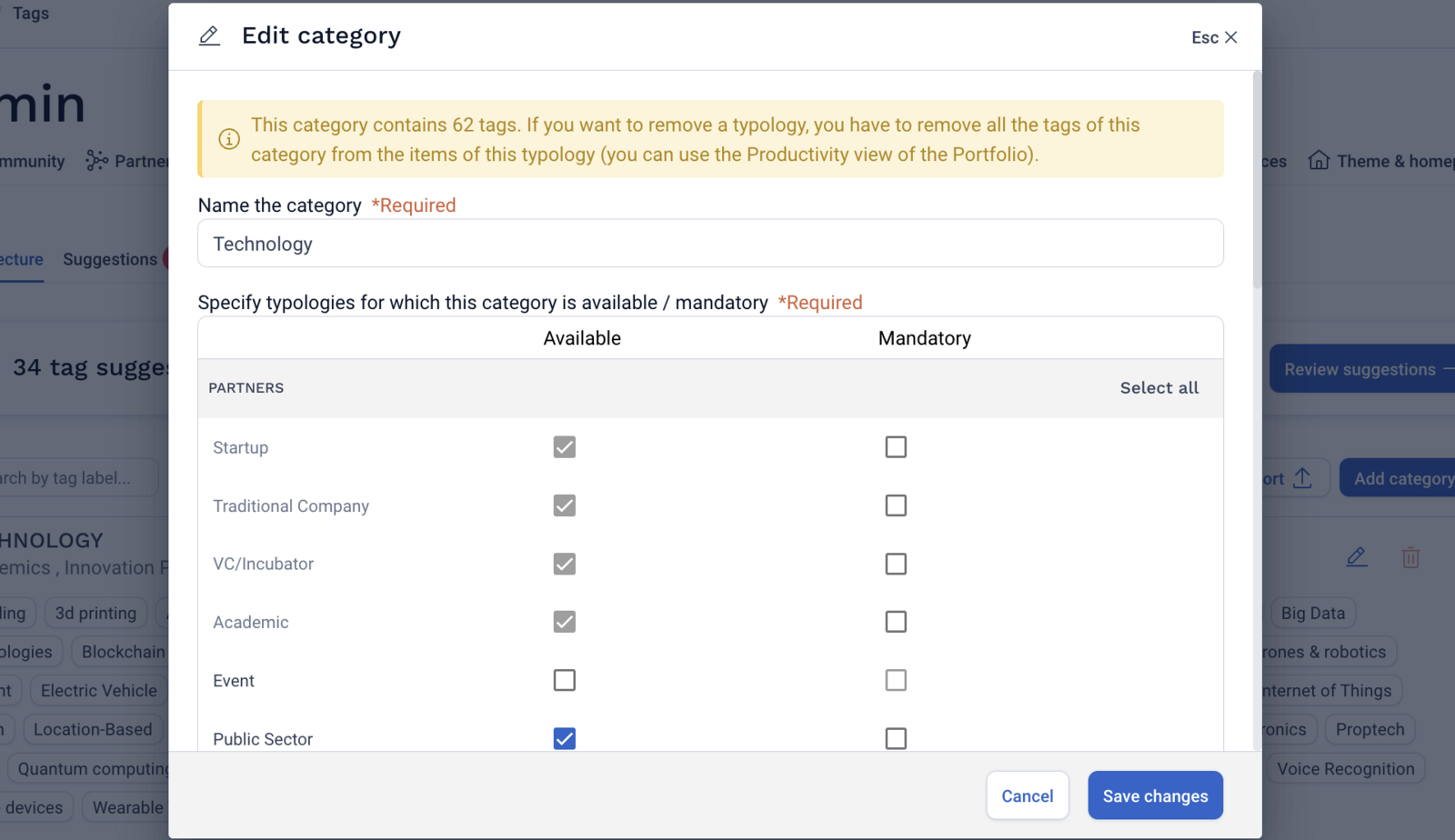
If a tag category is made mandatory for a certain typology, it will make the tag selection of the tag category mandatory in the Add Funnel and mandatory in an import to create items.
Editing the tag architecture
The tag architecture view gives you visibility on the tag category, the typologies for which the tags are available, if the tag category is mandatory on certain typologies, the parent tags, and the child tags.
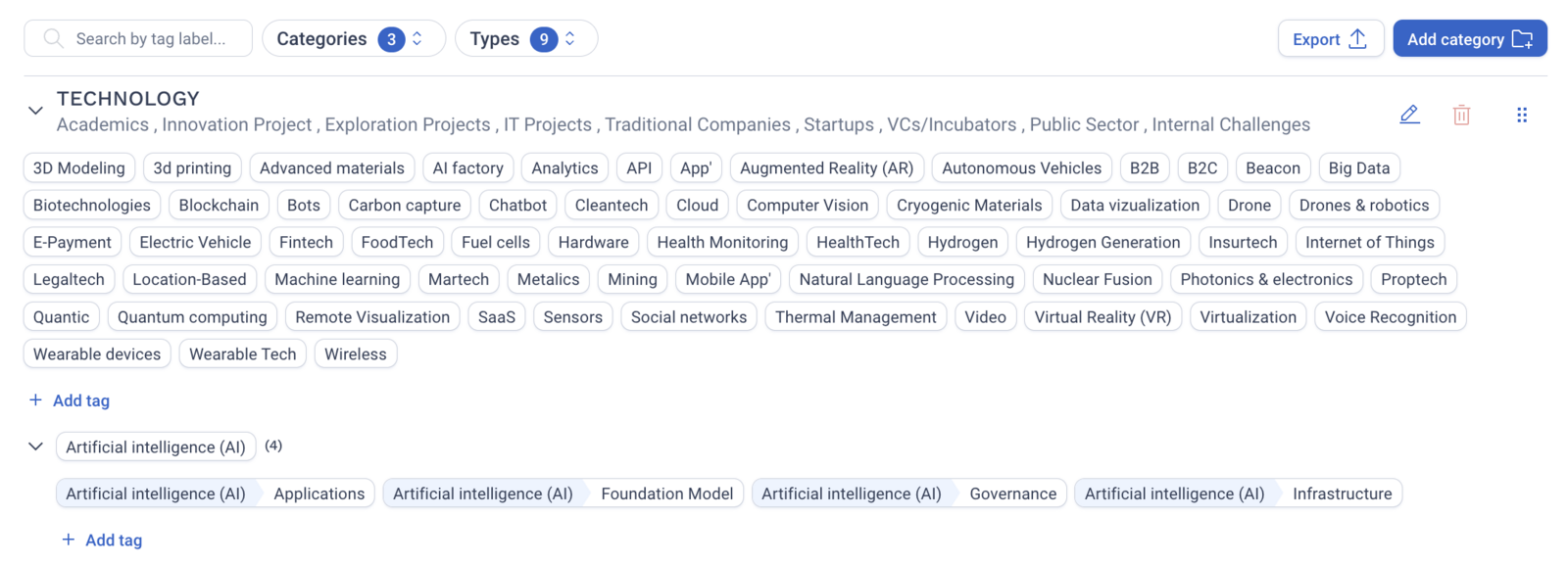
To edit a tag, simply select the tag and click Edit.
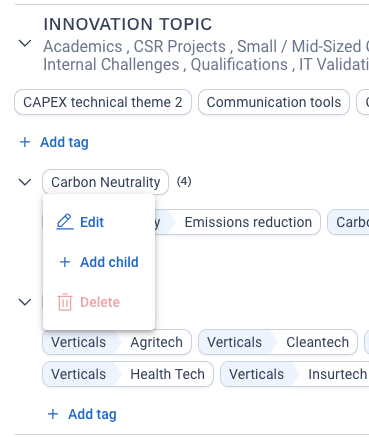
Before deleting a parent tag or a tag category, you must delete all child tags associated to the parent tag and all parent tags within that category.
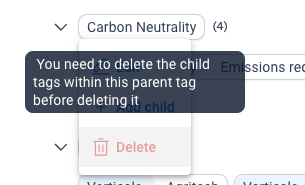
To note: it is not possible to create two identical tags
Sources Management System:
Sources can be added, edited, or deleted directly within the Admin Panel > Sources tab
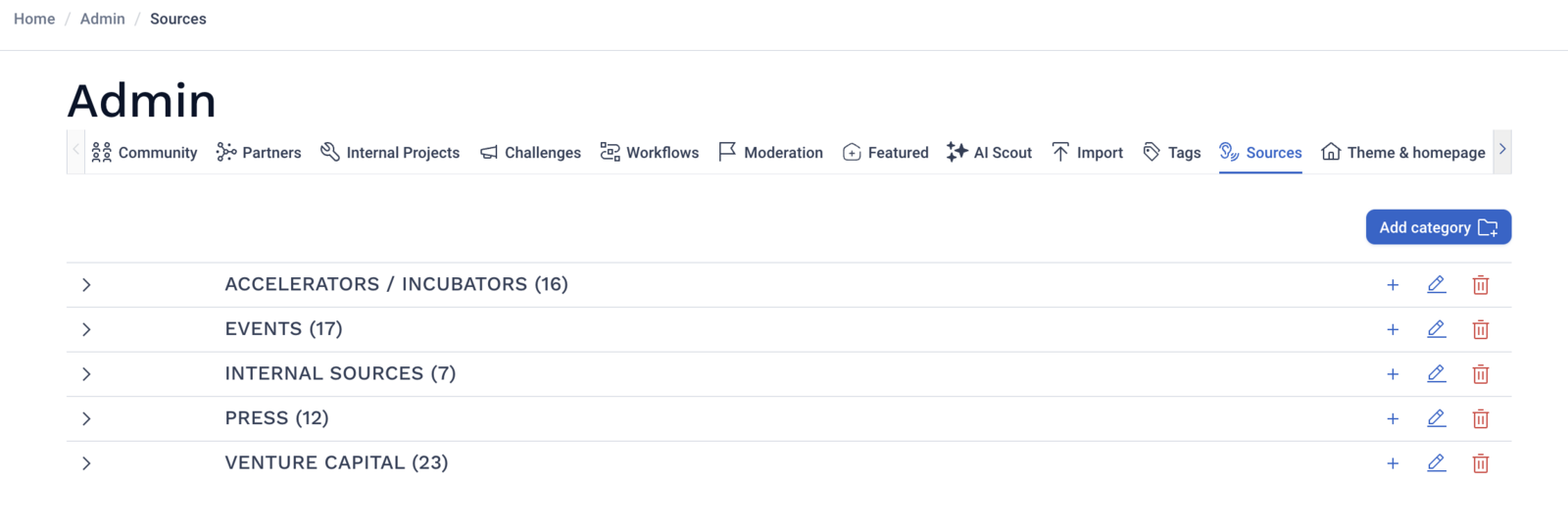
Sources have a two-tier architecture: Source Category and Source Name. When adding a Source Category, the Category name is required.
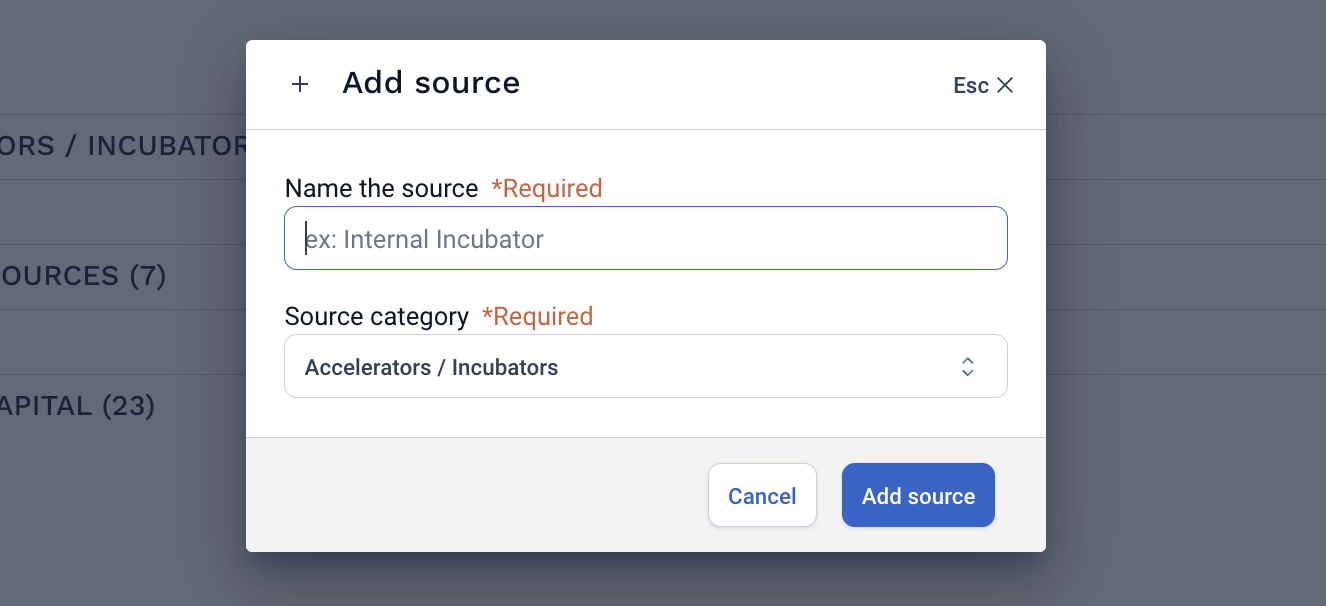
To add a Source Name, simply select the + to the right of the source category. When adding a source, you can choose which Source Category to add it to (only one choice possible).
To Note: all source categories will be available for all external typologies (partner, startups, etc.) by default. If you would like to activate the Sources for internal typologies (project)
Comments
0 comments
Please sign in to leave a comment.