
Last updated Spetember 2025
What is it?
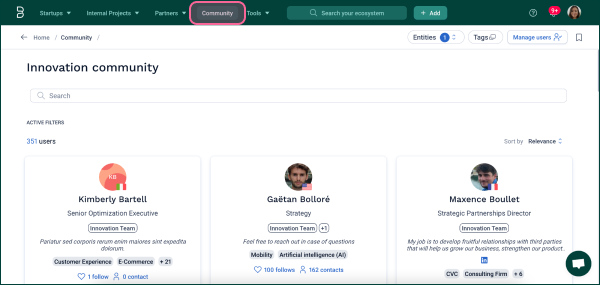
The Community Tab is accessible from the main navigation bar. It shows you all the people in your organization that are using the platform, headline information about their teams and topics of interest, as well as contact information.
How to use it?
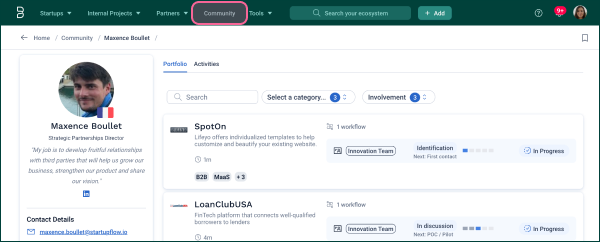
Click on a user’s profile to see the partners they are involved with, projects they are working on, and recent activity on the platform.
Navigate the Community Tab by filtering by entities/groups in the top right to see people from specific teams. Or, filter by tag to see users who follow specific topics of interest. You can also use the search bar to quickly find the same results.
Recommendations
- Make sure everyone using Bloomflow completes their profile so that others can more easily find them
- Communicate to the rest of the organization that the Community features is an easy way to find people with expertise in particular technologies or skills
- Experiment with team emojis as your profile pictures to create a community feel on the platform
Comments
0 comments
Please sign in to leave a comment.